Skip to content
Bulgaria countryball, the Animate The Globe mascot, looking at your cursor

Countryball animation courses

Make the world move.

Learn to draw, rig and animate countryballs, flags, maps and battles. Step-by-step video courses from creators who make this stuff, for creators who want to.

Free first lesson. Lifetime access to what you buy.

Made with what we teach

Short clips animated with the same techniques you'll learn in the lessons.

Swipe sideways to see more.

Steel meets steel. Melee battles with timing and weight.
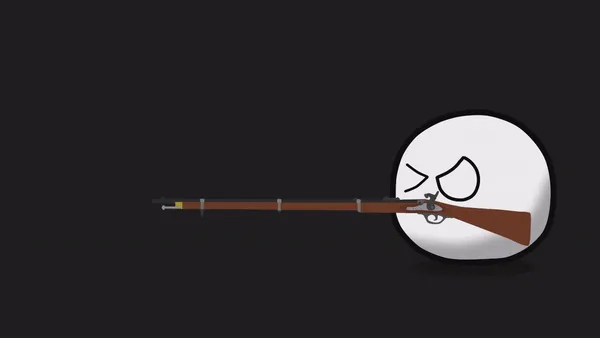
Aim. Recoil. Repeat. Firearms that feel right.
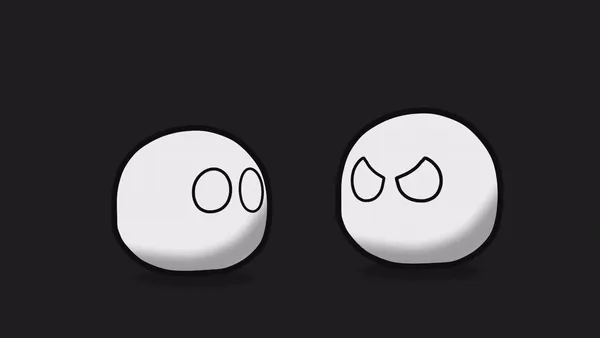
One ball becomes two. Territorial changes, animated.
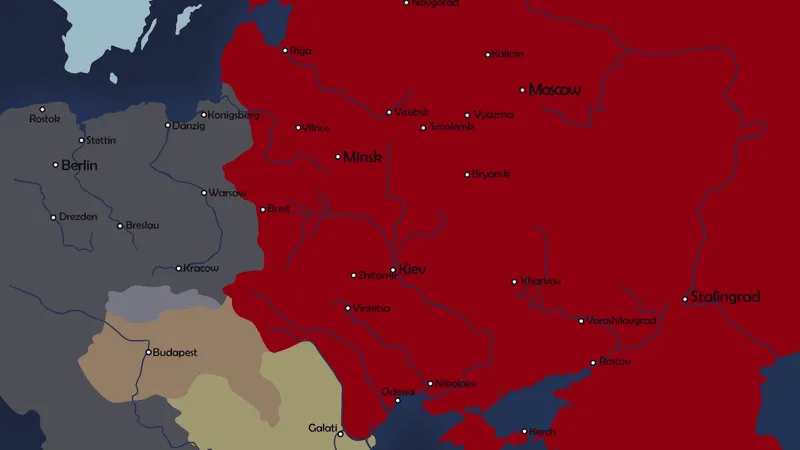
Borders on the move. Map animation for history videos.

You've watched a thousand countryball videos. Now you want to make one.

  • Free tutorials stop right before the hard part.

  • Flags turn into a mess the moment you put them in a circle.

  • Your animations move, but they look stiff.

  • Maps, battles and border changes seem like dark magic.

So we recorded the whole thing.

Every click, every bone, every keyframe. Follow along, chapter by chapter, and finish with animations you'd actually upload.

What you'll learn

Real skills, one chapter at a time.

  • Draw countryballs that look right

    Beginner

    Clean circles, consistent eyes and outlines, every single time.

  • Tame tricky flags

    Beginner

    Stars, stripes and crests, including the UK and the USA, built cleanly.

  • Rig with bones

    Beginner

    Pose and move your characters without redrawing a single frame.

  • Expand territory

    Beginner

    The history-channel classic: a country growing across the map.

  • Stage battles

    Advanced

    Guns, swords and bows with timing that actually lands.

  • Animate maps and borders

    Advanced

    Borders, fronts and partitions for history and war videos.

From first ball to full history videos

Three courses, two programs. Start with a single countryball in Moho or Adobe Animate and end up animating the map.

  1. Beginner

    Draw, rig and move your first countryballs. Flags, backgrounds and a territorial expansion along the way.

  2. Advanced

    Battles, tanks, fire and smoke, treaties and map animation. The scenes history channels are built on.

  3. Adobe Animate

    Prefer Adobe Animate? PolishTortoise teaches drawing, tweens, frame-by-frame, the camera layer and exporting.

Which one is for me?

Honest answer: it depends where you're starting.

Beginner11 chapters

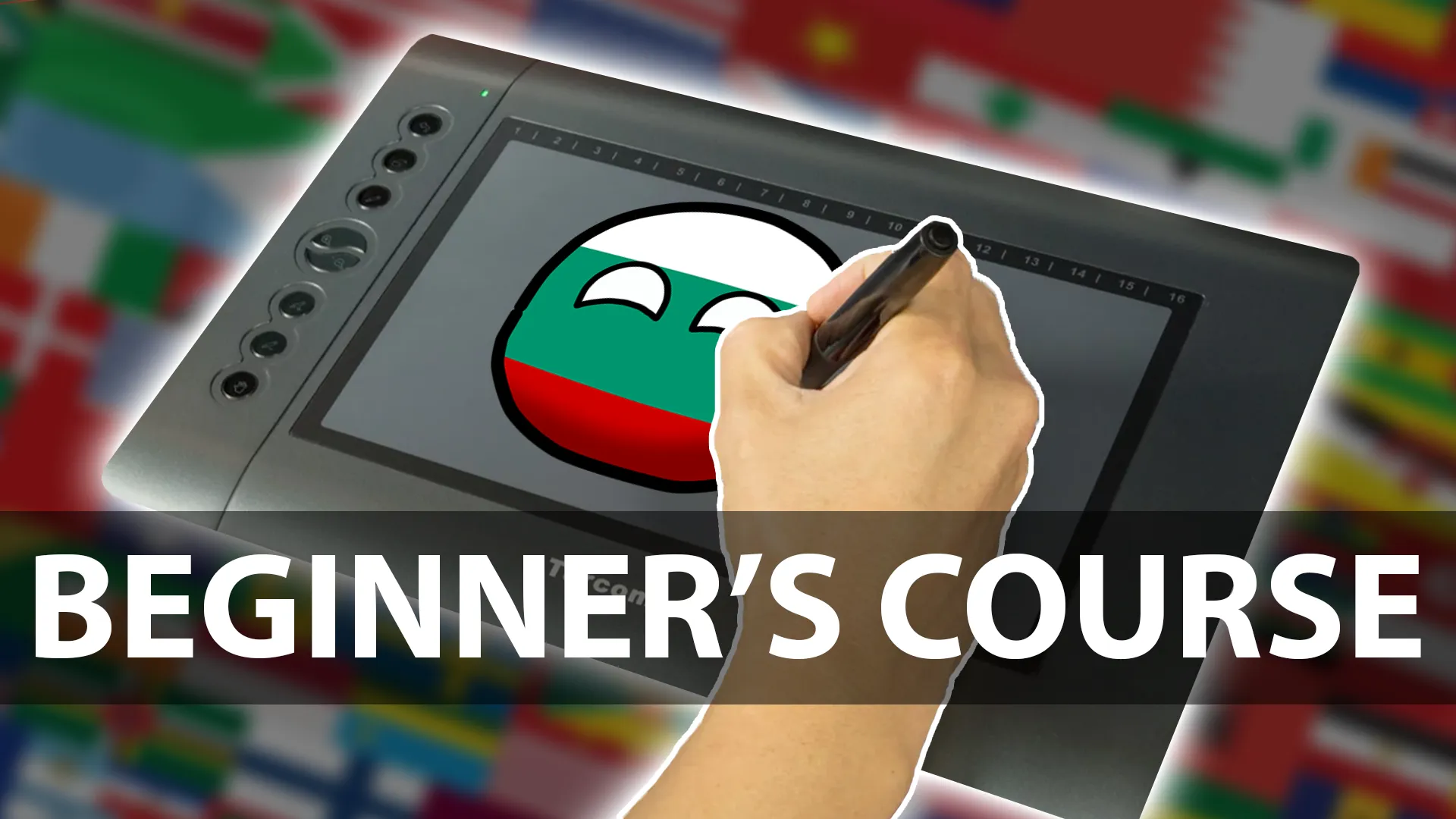
Beginner Course

€19

From blank canvas to your first finished countryball video.

Pick this if

  • You've never used animation software.
  • You want to learn drawing, flags, bones and keyframes properly.
  • You want a complete first scene, start to finish.

You'll make: Countryballs, flags, backgrounds, territorial expansion and a full boat scene.

See the Beginner Course
Advanced10 chapters

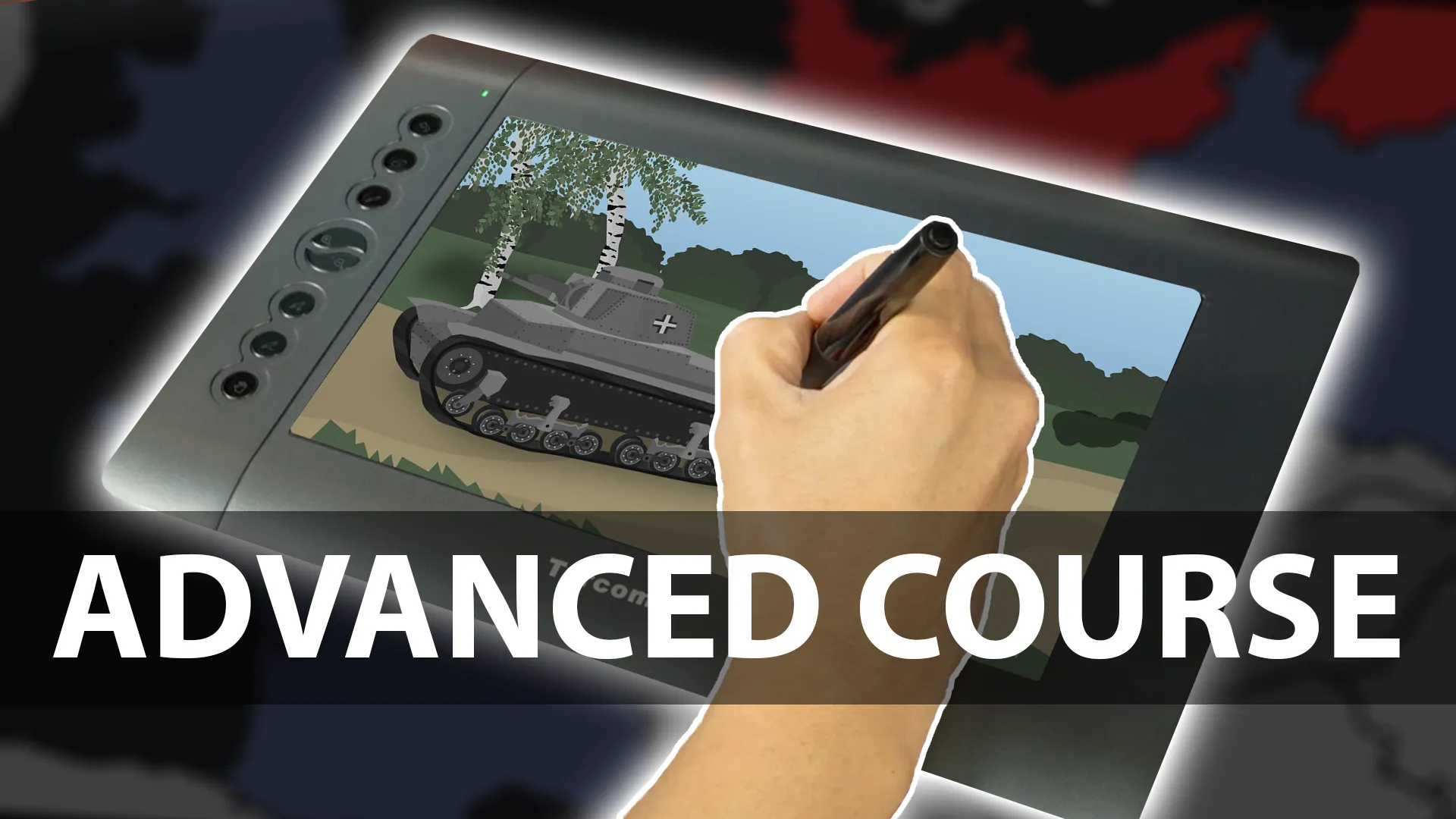
Advanced Course

€24

Battles, maps and history in motion. The stuff big channels are made of.

Pick this if

  • You can already rig and keyframe a countryball.
  • You want battles, weapons, tanks and maps.
  • You're making history or war videos.

You'll make: Shootouts, sword fights, tanks, fire and smoke, treaties and map animations.

See the Advanced Course
Beginner7 chapters

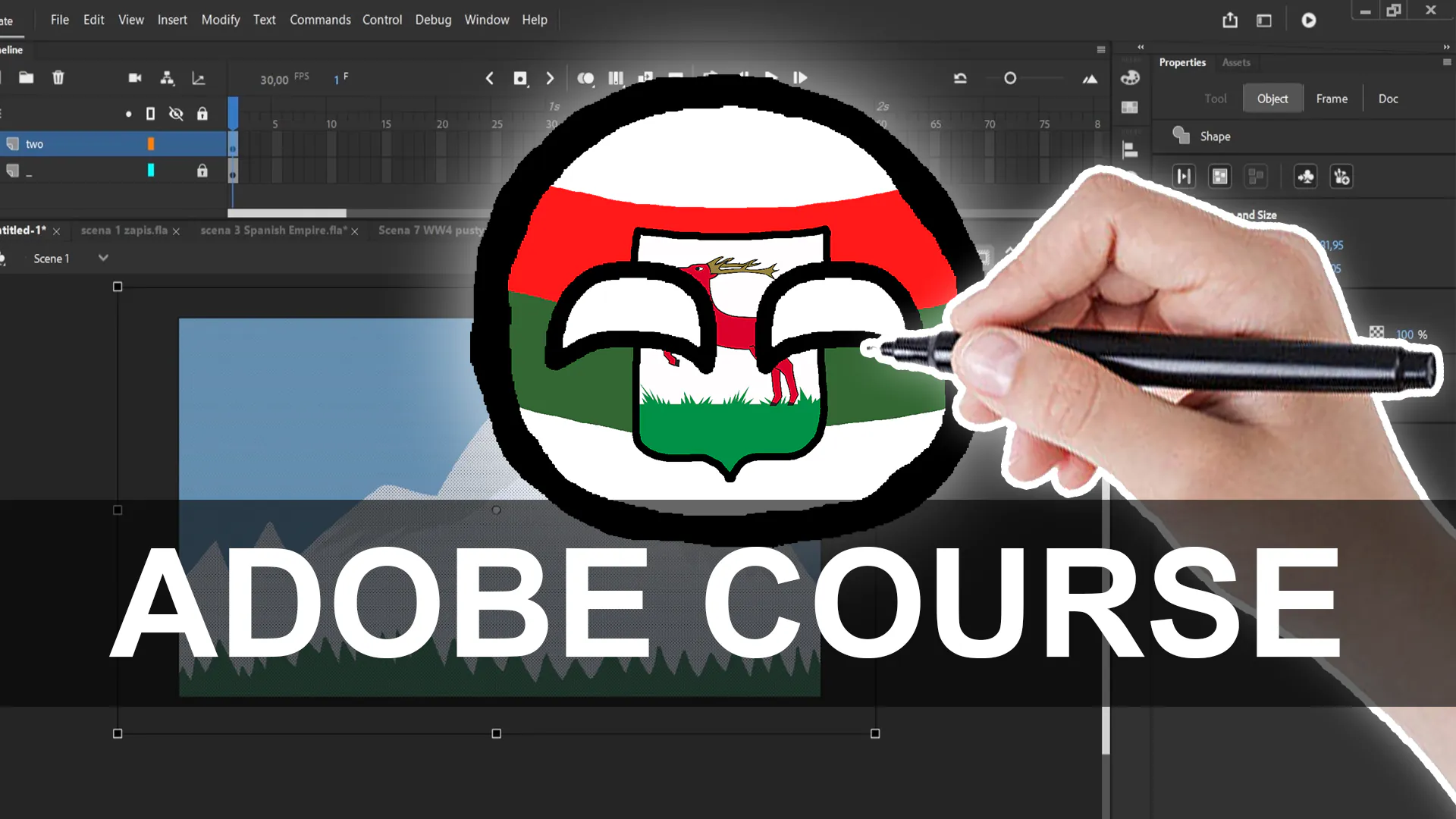
Adobe Animate Course

€24

Countryball animation in Adobe Animate, taught by a countryball YouTuber.

Pick this if

  • You want to animate in Adobe Animate instead of Moho.
  • You like tweens and frame-by-frame animation.
  • You want channel advice from a countryball YouTuber.

You'll make: Countryballs drawn and animated in Adobe Animate, with a camera move, an animated flag and an exported video.

See the Adobe Animate Course

Not sure? Get every course and go from first circle to full battle scene.

Get every course

How it works

  1. Step 1: Watch the free lesson

    See how we teach before you spend a cent.

  2. Step 2: Pick your course

    Starting from zero in Moho? Beginner. Already animating? Advanced. Using Adobe Animate? The Adobe Animate Course.

  3. Step 3: Animate along

    Short, focused chapters. Pause, rewind, copy every move. Your progress is saved.

  4. Step 4: Upload your first video

    Put your own characters and story on top of the skills. Then hit publish.

Made by countryball creators

We're the Animate The Globe team, a small group of Bulgarian animators. Yes, the ball in our logo is Bulgaria. We make countryball animations ourselves and built these courses to teach the way we wish someone had taught us.

Meet the team

Questions people ask first

Read all questions

No. The Beginner Course starts from zero and shows every step on screen. If you can follow a video and use a mouse, you're good.

New to animation software? Beginner. Already comfortable with bones and keyframes in Moho? Advanced. Want to use Adobe Animate instead? The Adobe Animate Course by PolishTortoise. Want the full path? Get every course.

The Beginner and Advanced courses use Anime Studio Pro 11, which was renamed Moho in 2016. Everything applies to current Moho Debut and Moho Pro, even where a menu has moved. We also use Photoshop or Illustrator for artwork and Audacity for sound. The Adobe Animate Course uses Adobe Animate.

For life. Once you buy a course, it's yours for as long as this platform runs. No subscription.

Yes, within 14 days of purchase. See the Refund Policy for the details.

The world isn't going to animate itself.

Start with the free lesson. Keep going when you're hooked.